How to Audit Your Subscriptions and Save Hundreds a Year
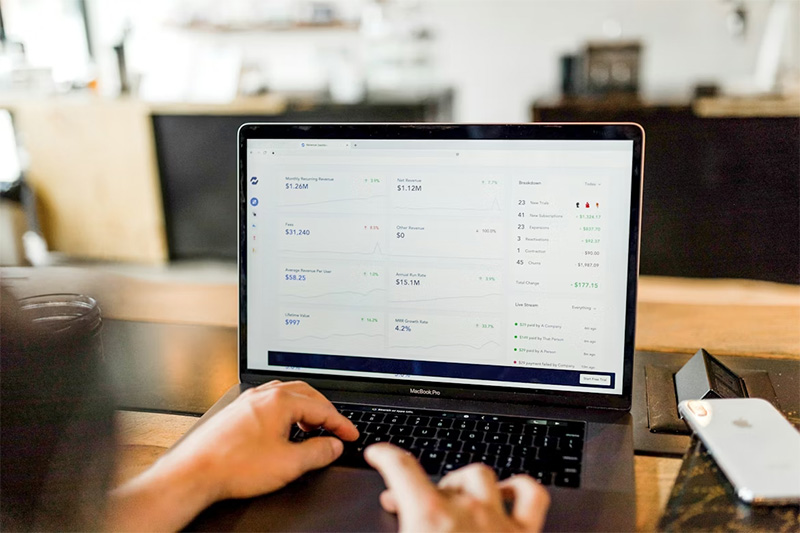
Monthly Money Drains, everybody’s got them. Companies love to tuck services into wallets and bank statements, quietly siphoning cash with all the grace of a leak in an old boat. Most people have no idea how much is vanishing in these puddles of forgotten subscriptions: streaming, fitness apps, cloud storage, meal kits. The list balloons on autopilot. It’s not just about penny-pinching, it’s about reclaiming control from the frictionless world of “set and forget.” The reality? Auditing those tiny charges can recover serious money over the course of a year. Hundreds that could do more than buy another bundle of binge-worthy shows.
Find Every Leaky Pipe
First comes the search party. Bank statements don’t lie, they parade every recurring transaction right there in black and white, month after month. Forget the budgeting apps for now; old-school scrolling works wonders for scanning lost dollars hiding among groceries and gas. Watch out for clever billing descriptions, companies excel at camouflage: shortened names, odd acronyms. Don’t just look at cards; check PayPal and Apple receipts too, sneaky subscriptions often lurk outside regular bank channels. Some people try to rely only on email receipts, a rookie mistake that guarantees something will slip by unseen. Only after everything pops up on one ugly list can any meaningful action begin.
Decide What Actually Matters
Next step? Ruthless evaluation, and it must be ruthless, or nothing changes. For every subscription found, the question screams: “Did this make life better last month?” If not used recently, it’s probably safe to axe it without remorse; nostalgia is expensive baggage here. Streaming services compete for attention but there are only so many evenings in a week, pick favorites and drop duplicates cold turkey. That dusty language app subscription from New Year’s resolutions gone stale? Gone too. Too much hesitation and nothing gets canceled; the psychology of sunk cost traps people indefinitely if emotions get a vote in every decision.
Negotiate or Downgrade Before Canceling
Just because a service almost got chopped doesn’t mean it needs to go completely extinct, sometimes companies will beg you not to leave with surprising discounts or features unlocked as bargaining chips at cancellation time. Hit “Cancel” but don’t finalize yet; watch offers roll in like stage props meant to keep customers glued on board for another round (or two). Dropping from premium to basic plans saves plenty with barely noticeable sacrifice, most of those add-ons go unused anyway when put under scrutiny. Never accept that initial sticker price as destiny; flexibility works wonders when dollars are at stake.
Set Reminders So It Doesn’t Happen Again
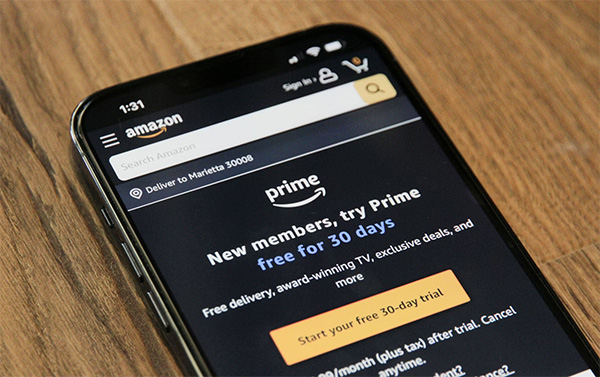
A clean slate today means nothing if apathy creeps back next quarter and new subscriptions multiply like weeds in springtime rainstorms. Solution? Set calendar reminders three months out, or whenever seems sustainable, to repeat this process before ruts settle back in place again unnoticed. Some ready-made tools track recurring payments automatically but even an old-fashioned sticky note taped near the computer monitor works wonders for accountability (“Audit Subscriptions This Month!”). Annual renewal traps deserve special mention; they’re silent assassins unless flagged early enough to escape before another cycle robs next year’s funds.
Subscriptions left unchecked accumulate almost by design, that’s what companies count on while everyone looks elsewhere each month hoping for paycheck miracles instead of addressing quiet financial drains at their source. Pulling off one audit might fill a small bucket with saved money, but regular reviews build lasting protection against creeping expenses nobody remembers signing up for in the first place. With vigilance comes relief: more breathing room, fewer surprise overdraft alerts, and maybe even something set aside for a real treat, not just another auto-renewal fee dressed up as convenience.
Photo Attribution:
1st & featured image by https://unsplash.com/photos/person-using-macbook-pro-744oGeqpxPQ
2nd image by https://unsplash.com/photos/an-amazon-prime-app-on-a-cell-phone-QsuIbqTR0xk